
Aura
A local-first academic AI assistant for students — part planner, part research assistant, part writing coach, running entirely on your own PC. It reads your syllabus, keeps your deadlines, finds and checks real sources, and reviews your drafts. It builds the scaffold; it will not write the essay for you.

What Aura does
Aura brings your schedule, your sources and your writing into one place and handles the mechanical parts — extracting dates from a syllabus, timing your revision, retrieving and checking research, reviewing a draft — so your time goes to the work that isn't mechanical. Everything runs on your own PC.
Planner and calendar
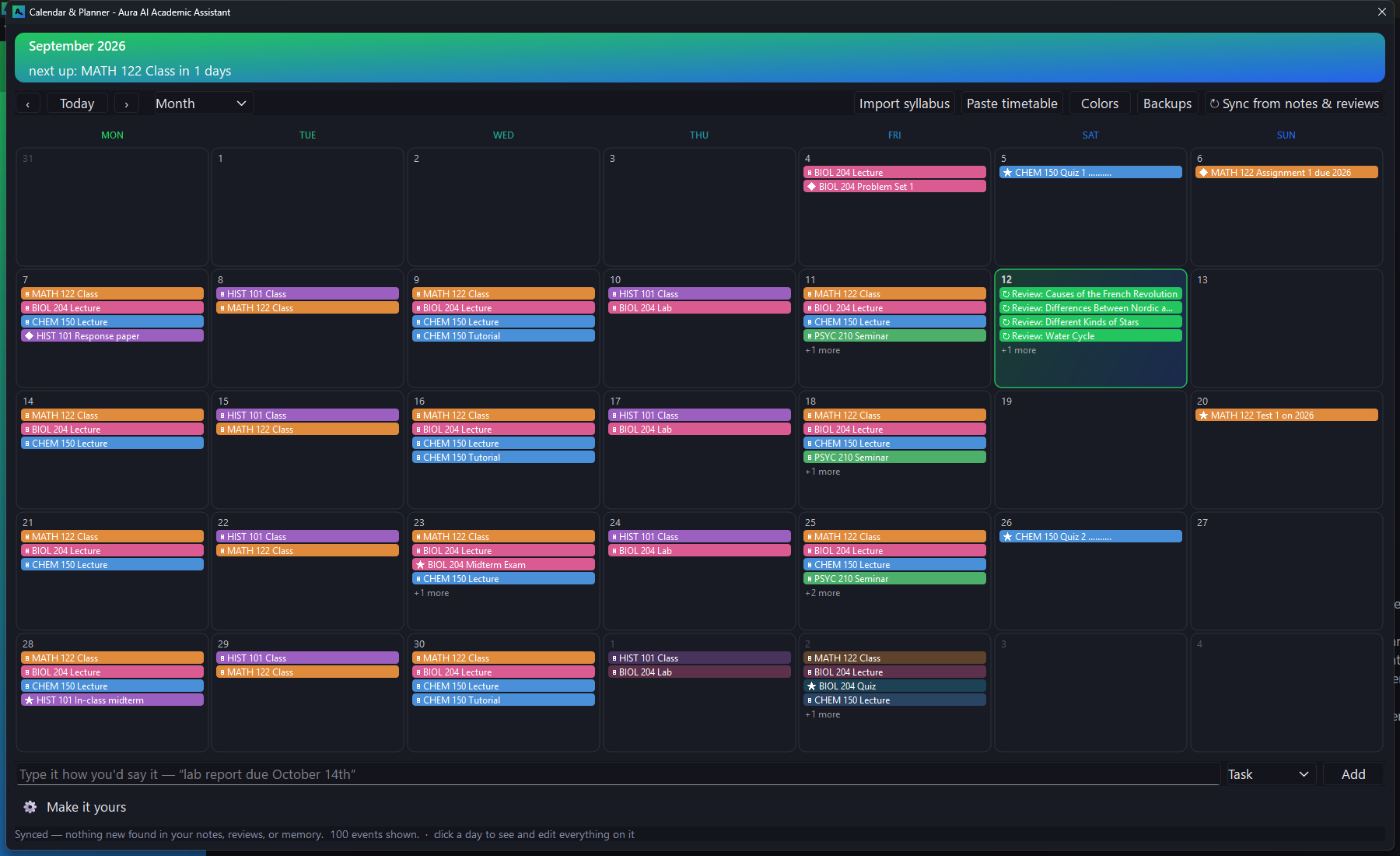
Paste or attach a syllabus, timetable or class schedule and Aura extracts every exam, deadline, lecture and lab, with each item's grade weight. Import one course or several; re-importing an updated syllabus changes only that course's dates. Add items in plain language — “lab report due October 14,” “remind me at 4” — and they join the same calendar. Revision is scheduled for you: when a flashcard falls due, it appears on the calendar as a study session.
Deadline reminders
Windows notifications and alarms, spaced across the week rather than fired the morning something is due. By default a deadline or exam gets four warnings — one week out, three days, one day and three hours — and you set them yourself: any combination from two weeks to fifteen minutes, configured separately for deadlines, exams, classes and to-dos. A reminder missed because the machine was off is retired quietly, not delivered in a backlog at your next login.
Spaced-repetition flashcards
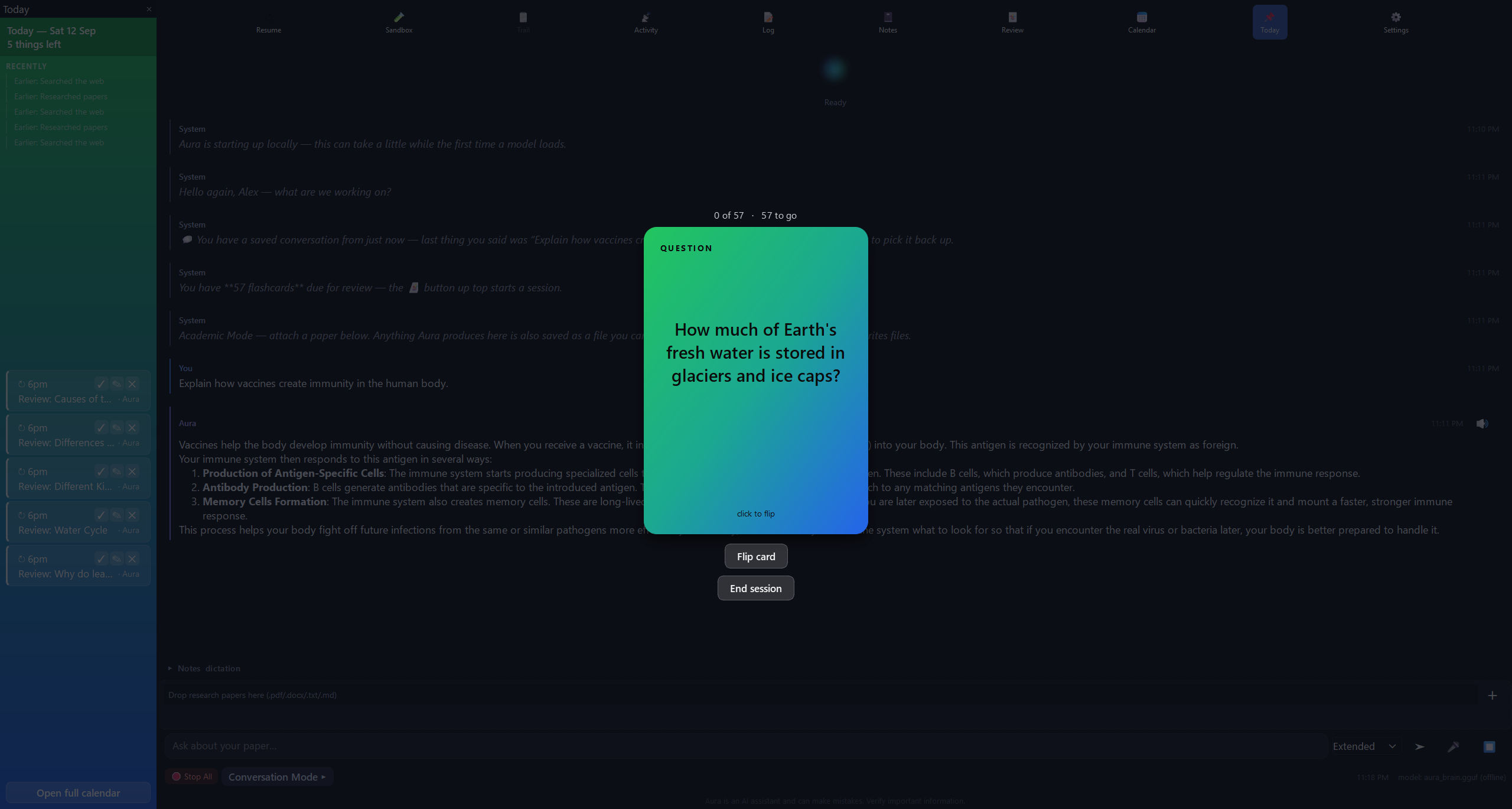
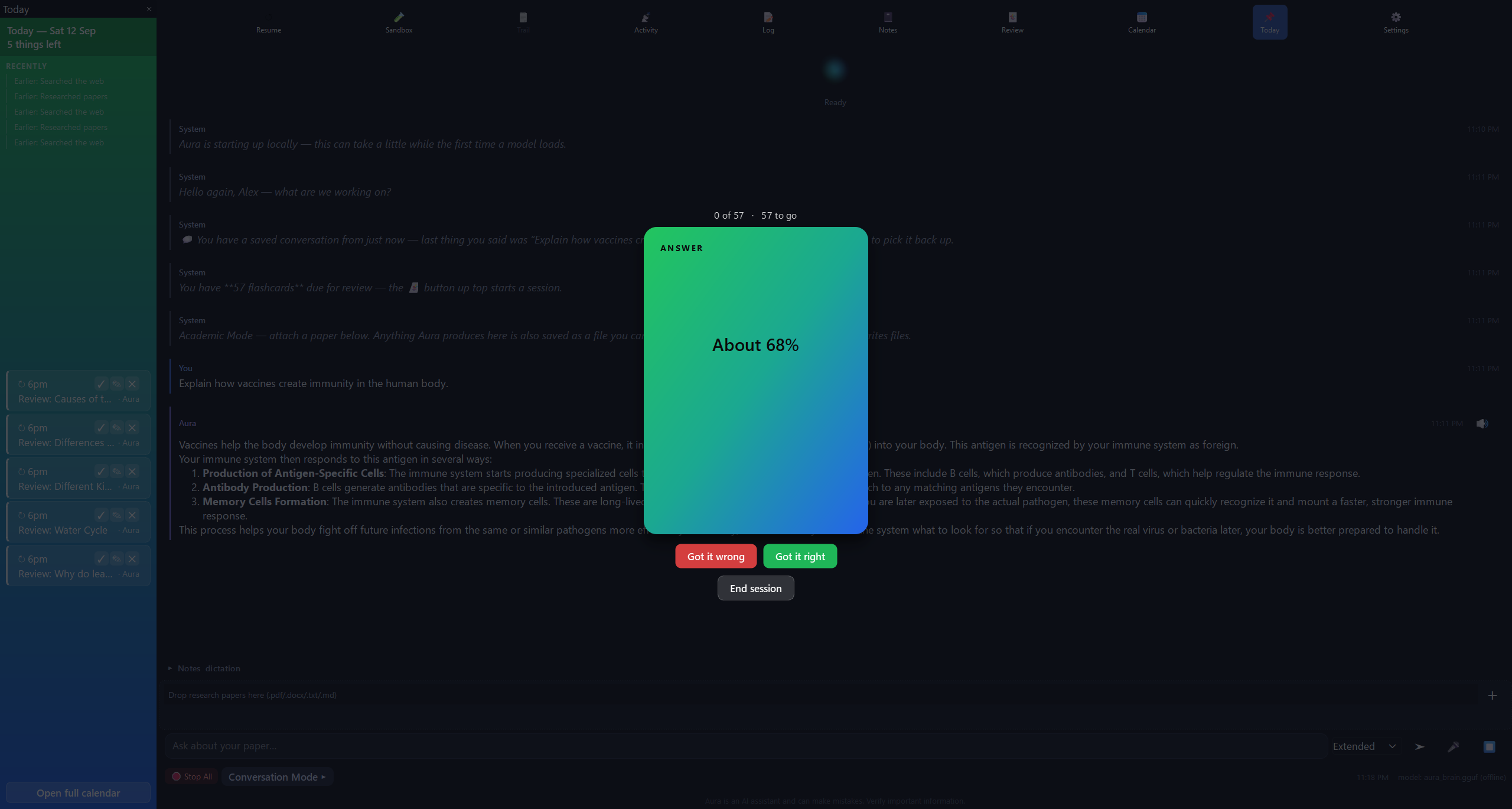
Flashcards are generated from your own material and scheduled by spaced repetition, so a card returns shortly before you would have forgotten it. Cards that give the answer away in the question are discarded before you see them.
Persistent memory
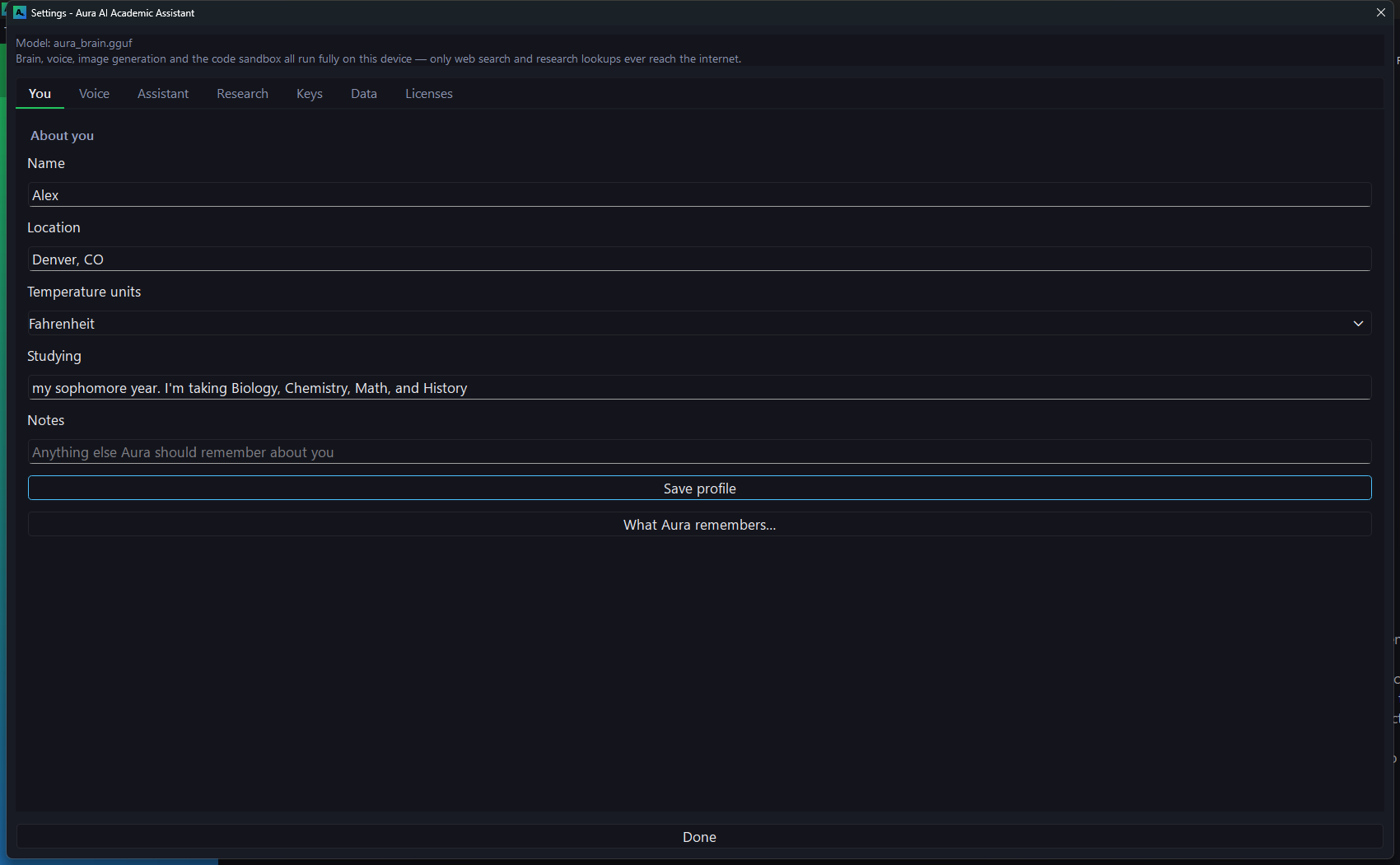
Aura keeps a private, encrypted record of your conversations and current work, stored only on your device. It carries context between sessions and becomes more useful the longer you use it.
Grounded research
Ask a question and get an answer with its sources, checked by a second pass before you see it. You control the scope — how far back to search, and which of the ten scholarly databases to use — from the settings or from the question itself: “papers on CRISPR from the last five years.”
Document summaries
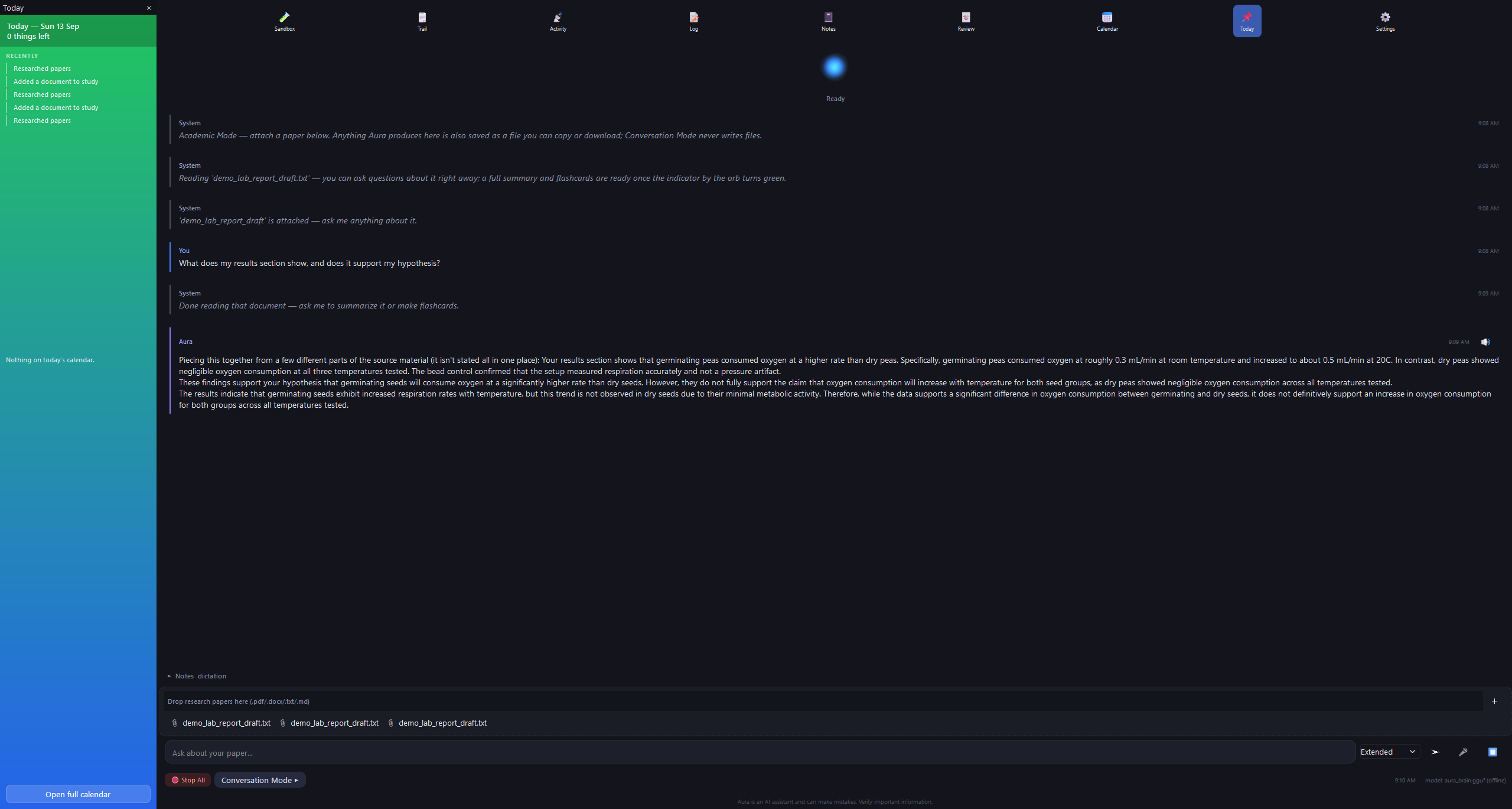
Attach a long document and Aura returns a faithful summary, a section-by-section breakdown, key points and study questions — each drawn from the text itself, with nothing added. The same material can be turned into a flashcard deck.
Writing support
Aura will not write your work, and that applies to the parts as much as the whole. Ask for an opening line, a body paragraph or “just the conclusion” and you get a thesis to argue, a section plan, the question each part has to answer, and an honest review once you have drafted it. The structure and the sources are Aura's; the writing is yours.
Fact-checking
Every claim is checked against the sources Aura actually retrieved, and any citation it cannot resolve is removed rather than shown. If you ask about a paper, treaty or book that does not appear to exist, Aura tells you so directly.
Paper discovery
Search ten scholarly databases at once — arXiv, Semantic Scholar, Crossref, OpenAlex, Europe PMC, DOAJ, DBLP, bioRxiv, PubMed and CORE — alongside textbooks and US case law, each result condensed to what the source argues.
Built-in reference library
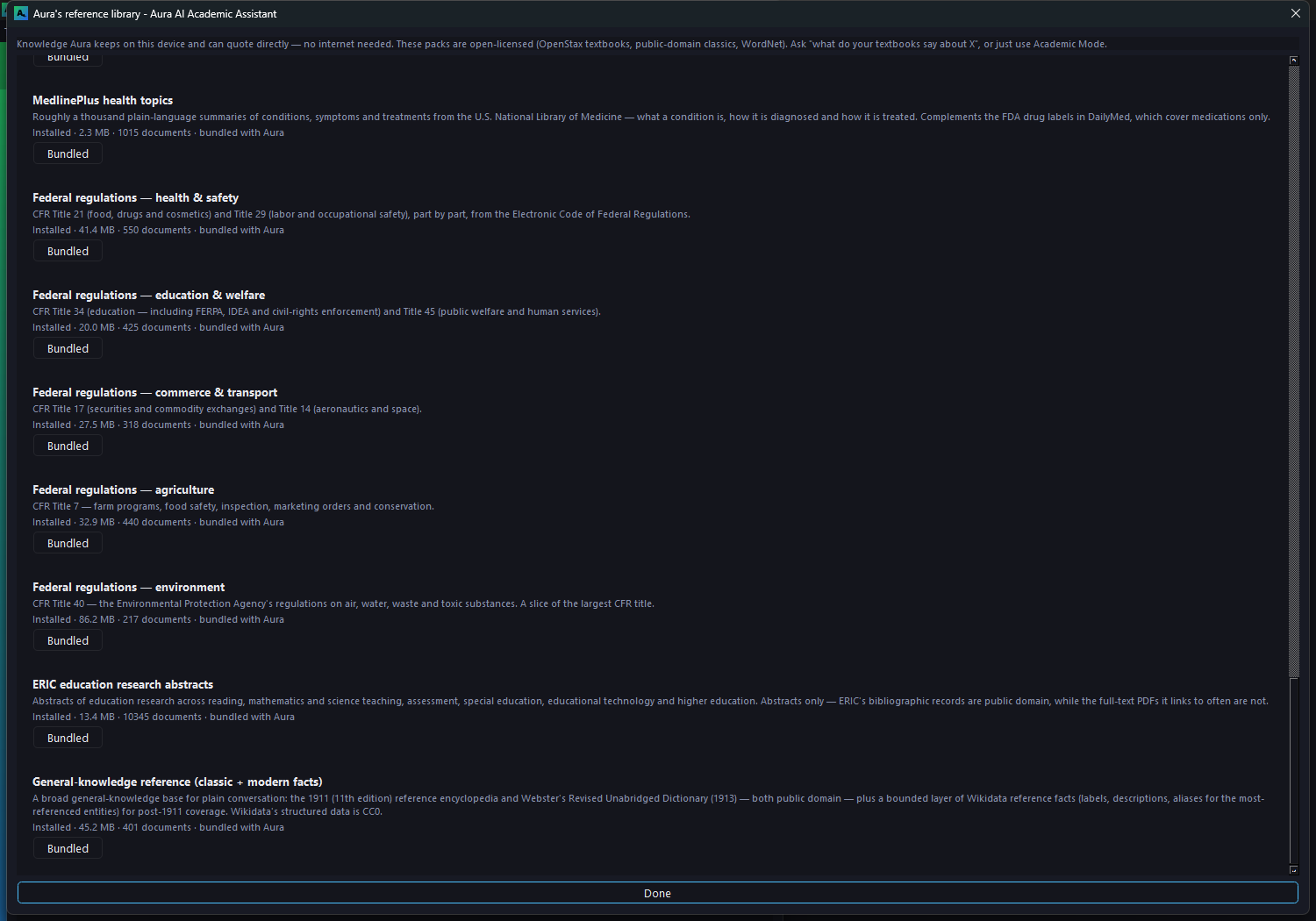
Aura includes a bundled reference library on your device — about 4.7 gigabytes across 32 collections, with every passage citable: 35 OpenStax college textbooks, Congressional Research Service reports, FDA drug labels, NASA technical reports, PubChem compound data, federal regulations, a wide Great Books collection from Project Gutenberg spanning history, philosophy, literature, science, the arts and more, plus a full dictionary, a general-knowledge reference, and a country profile for every nation. Aura consults this library before searching the web, and goes online only when it does not hold the answer.
Offline dictation
Speak and Aura transcribes on-device, then organizes the transcript into structured notes — and adds any deadline you mention to your calendar.
Code review
Static analysis and isolated execution for Python, plus compilation checks for C, C++, Java and JavaScript using the compilers already installed on your machine.
Adapts to your hardware
NVIDIA, AMD and Intel GPUs are all supported. Aura ships two builds of its inference engine and selects the right one for the card it detects at startup. It also measures available memory and adjusts how much context it keeps, so it runs correctly on a laptop rather than assuming a workstation. Nothing to configure.
Voice
Speak to Aura and it replies in voice and text. Speech recognition and synthesis both run entirely offline.
File formats
Aura reads Word, Excel, PowerPoint and PDF files and exports your notes, outlines and data to them. Image generation is an optional component you can add later; it too runs on your own GPU.
Private by design
Aura is built on LittleBitOfPeril AI’s local-first principles:
- The AI language model, speech-to-text, and text-to-speech never touch the network.
- No account, no sign-in, no telemetry. Nothing about your usage is collected or transmitted.
- Your conversation history, memory, and generated documents stay in ordinary files on your own PC.
- The only things that leave your device are web searches, page fetches, and research lookups you explicitly ask for — and Aura screens what comes back before it reaches the model.
That includes your planner. Your syllabi, timetable, deadlines, reminders and flashcard decks are ordinary files in your own user folder — not an account, not a sync service, and not anything we can see. Aura’s memory index is encrypted at rest on your disk.
Read the full privacy policy →
Academic integrity, by design. Aura is designed to refuse to write essays, complete assignments, or answer test and quiz questions. Ask it to, and it declines and offers the outline, the sources, and a review of your own draft instead.
That refusal is built into the app itself, not a policy we ask students to follow: the rules are deterministic, they don't depend on the AI's judgement, and re-framing a request as hypothetical, as a favour for a friend, or as "just an example" doesn't change the answer. Asking for an essay one section at a time gets the same response as asking for the whole thing.
Aura runs locally on your device. Modified installations are not supported and may bypass these safeguards. See the Terms of Use for details.
Get Aura
Aura is live on the Microsoft Store — $19.99, Windows 10 & 11. Have a question first? We answer our own support mail.